
Getting Started with PurrTrack: Your Quick Start Guide
Welcome to PurrTrack!
Once you download the app and securely create your account with your email (which activates your automatic Secure Cloud Sync so your data is never lost), you will be prompted to select a plan to activate your 7-day free trial. Your app store will not charge you today, and you can easily cancel before the trial ends.
Once inside, your first step is navigating to the Cat List to add your feline family members. Adding a cat instantly unlocks their dedicated health profile, giving you full access to four specialized tracking tabs—including the PurrFolio—to start logging their daily routines and medical history.
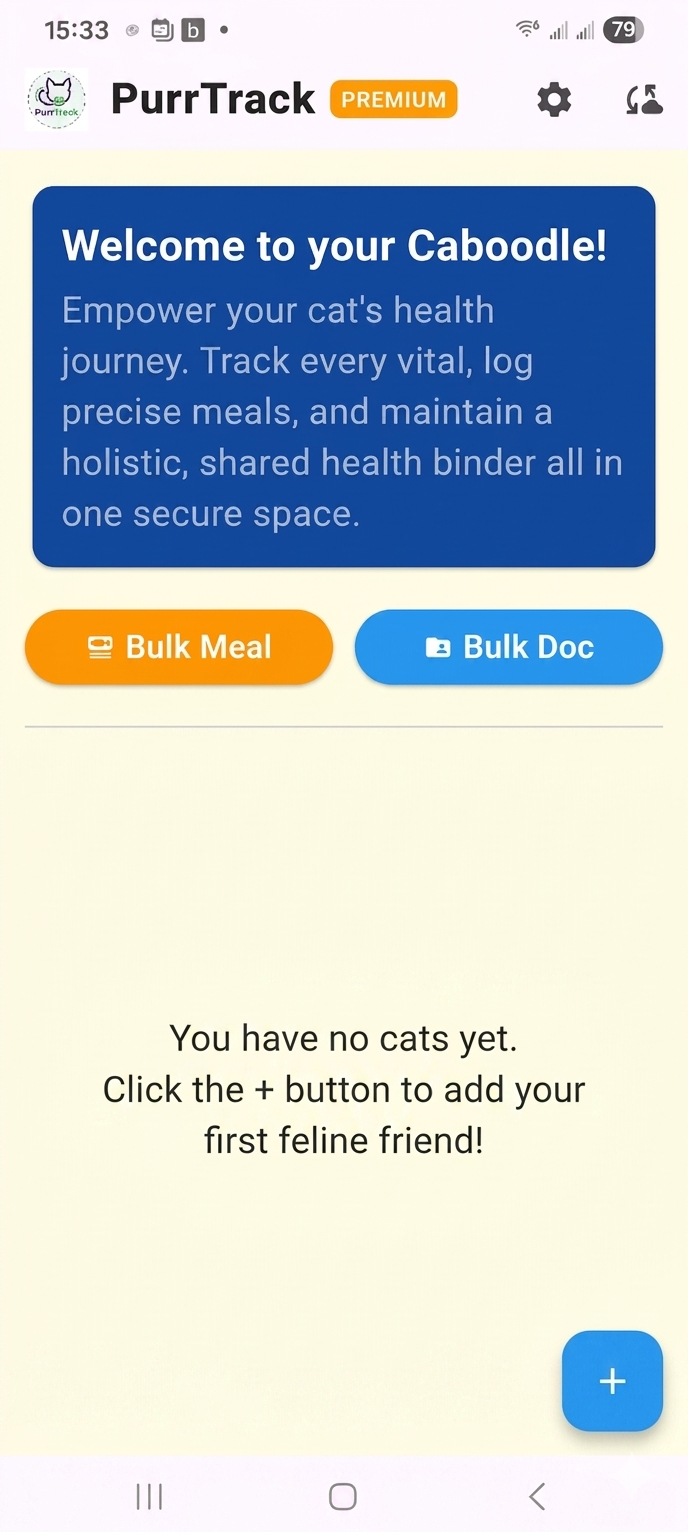
Step 1: Create a Cat Profile & Explore the Cat Card
Let's introduce your cat to the app! Tap the Add Cat (or +) button on your main dashboard to enter your cat’s basic details and initial weight.
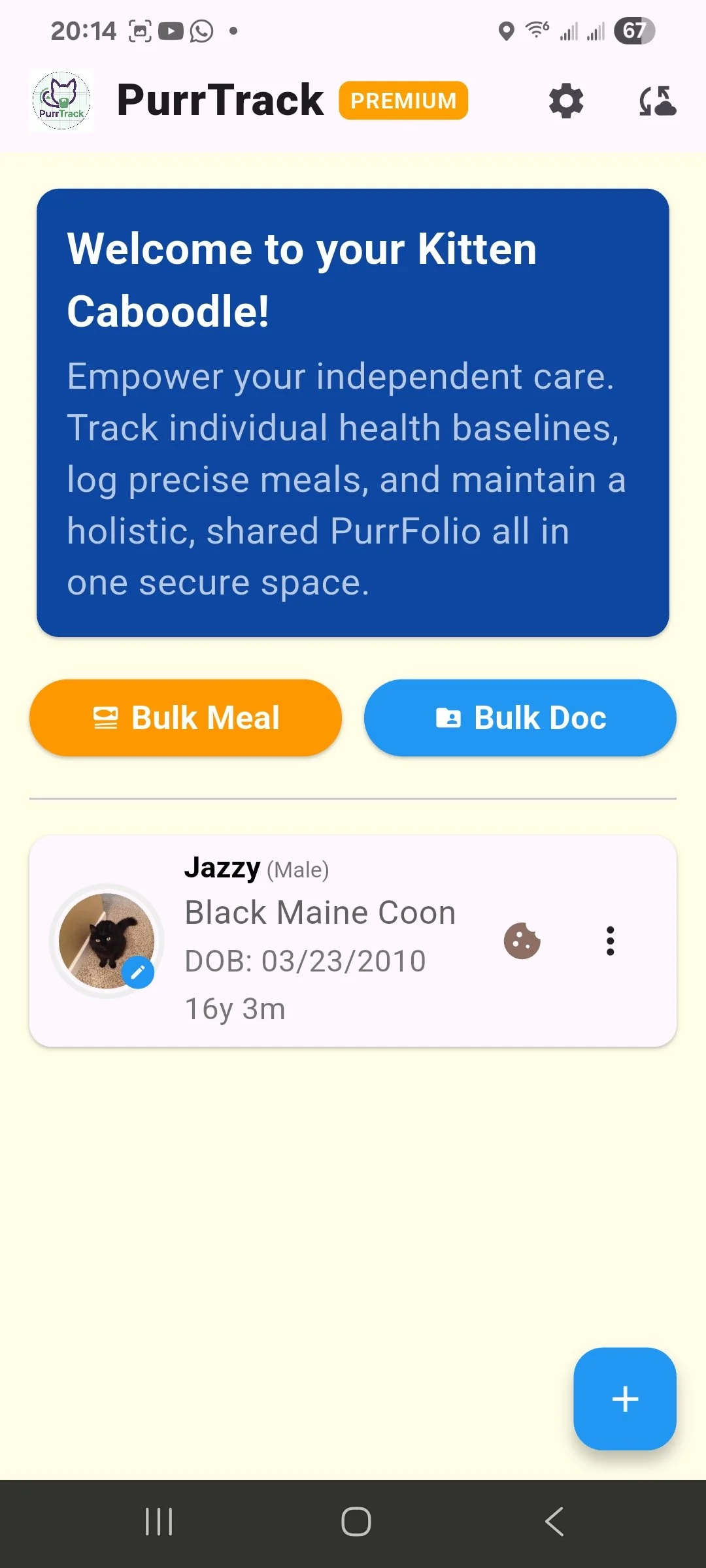
Once the profile is created, simply tap on your new Cat Card. This opens up your cat's dedicated management screen, organized into four beautifully color-coded tabs:
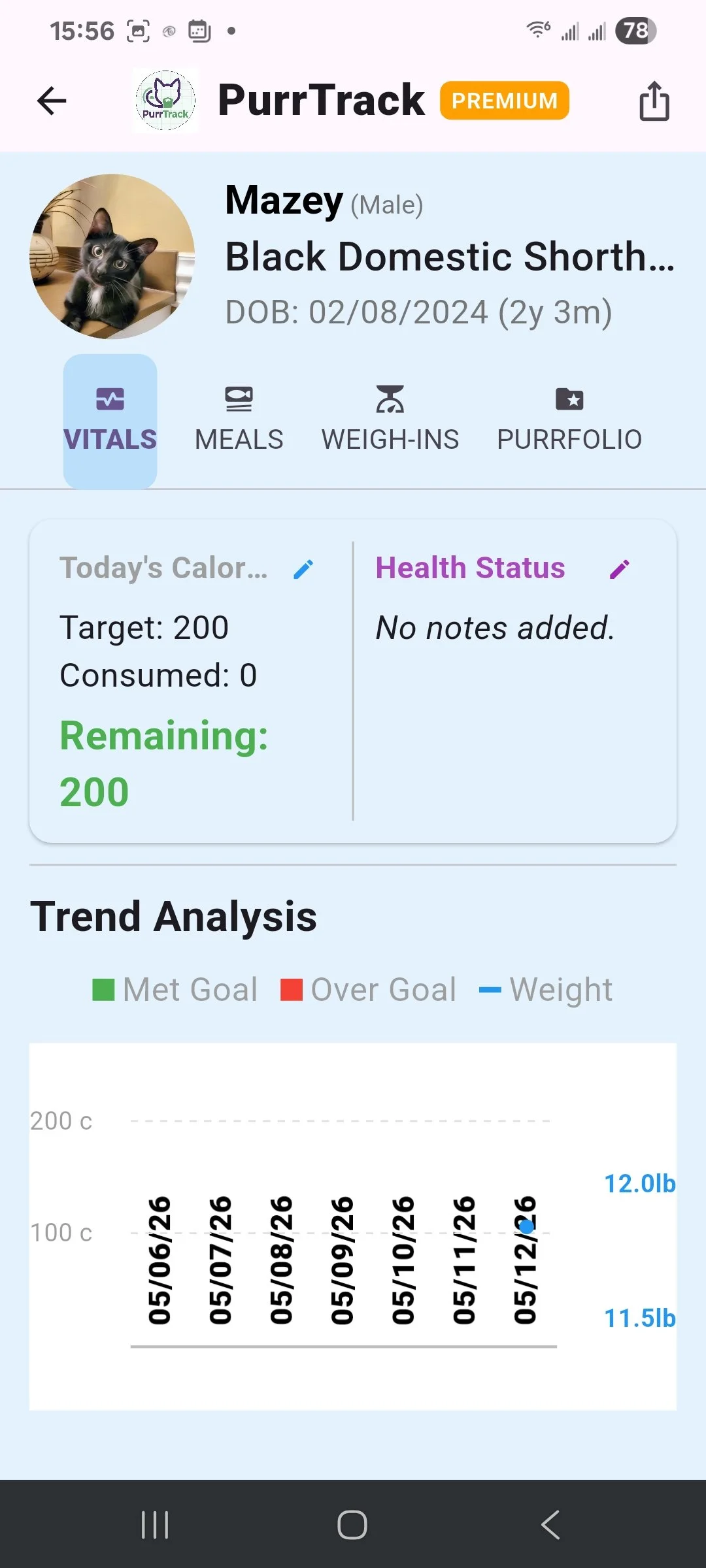
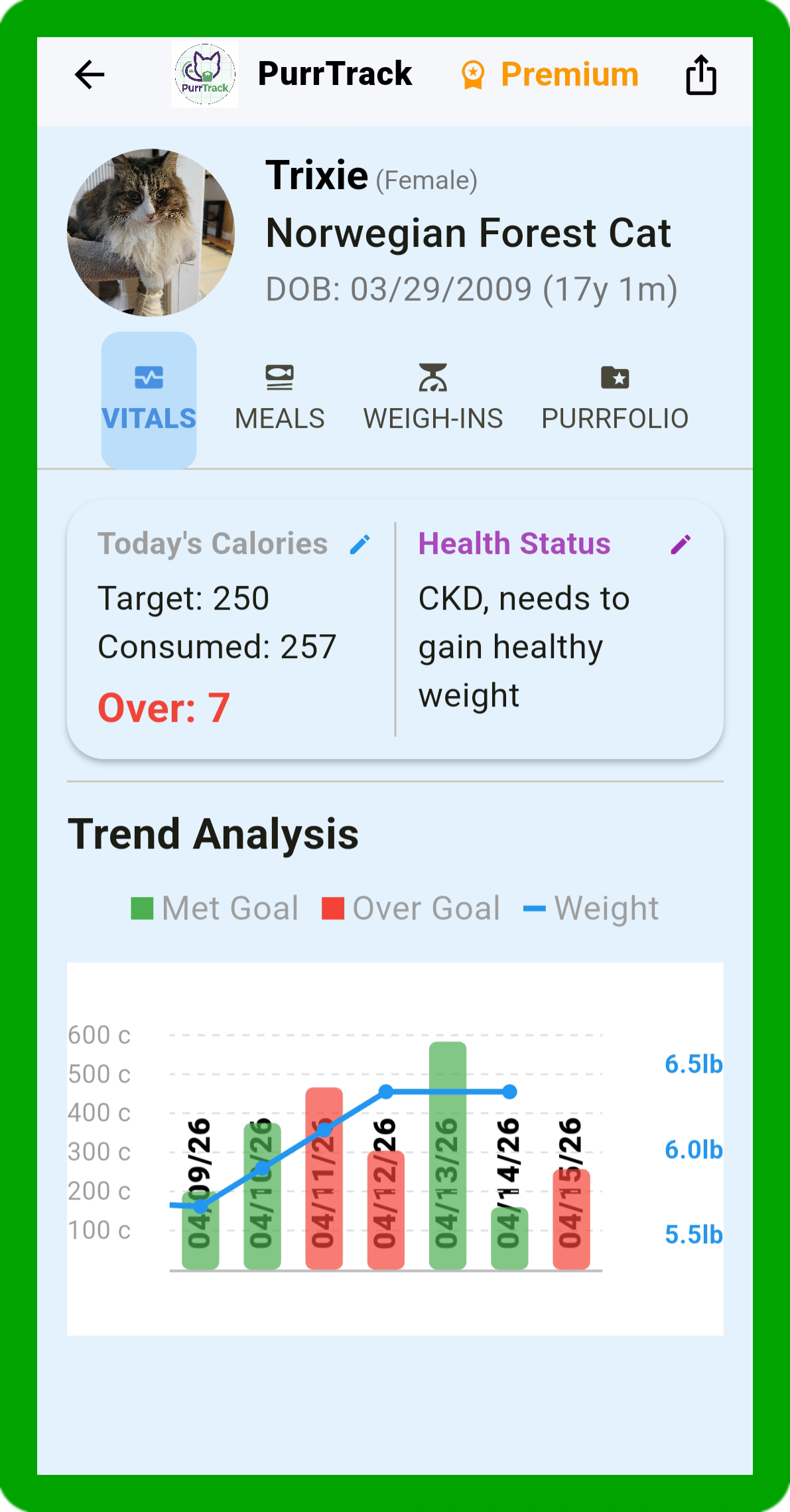
Vitals (Blue Screen): This is your main overview. As you enter data over time, a graph will automatically populate here to give you a quick visual reference of your cat's health trends.
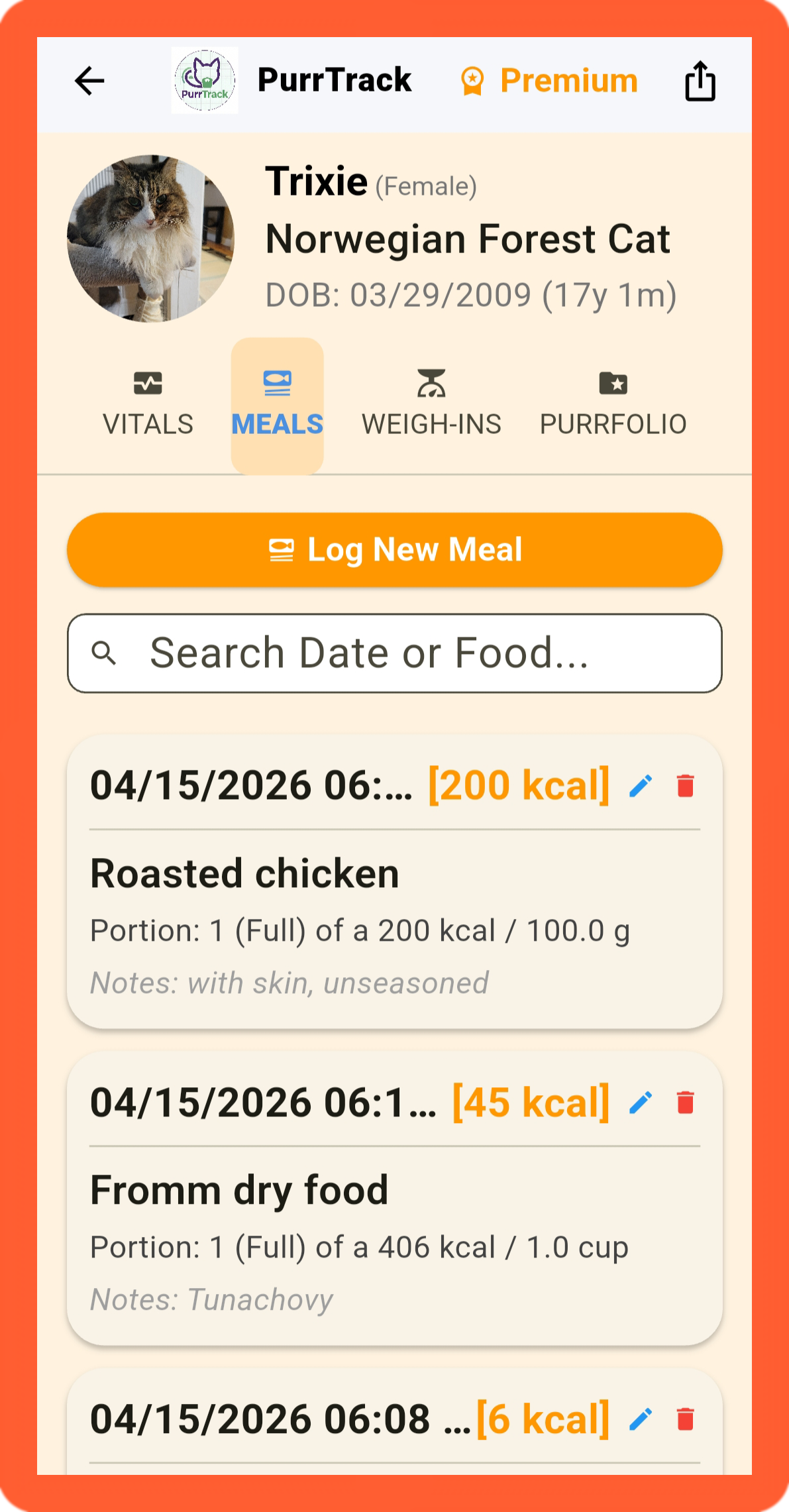
Meals (Orange Screen): Your hub for tracking food intake and daily calories.
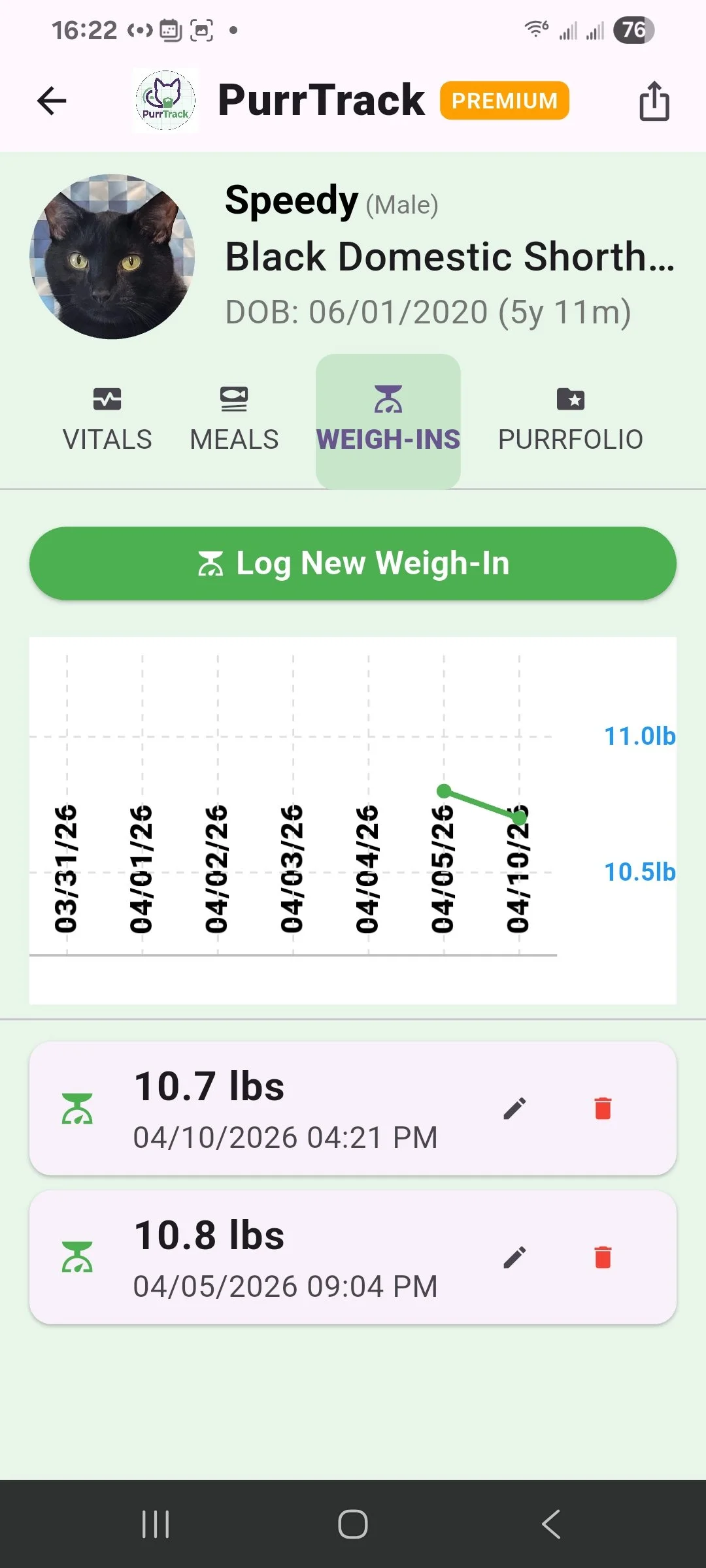
Weigh-Ins (Green Screen): Your dedicated weight-tracking center.
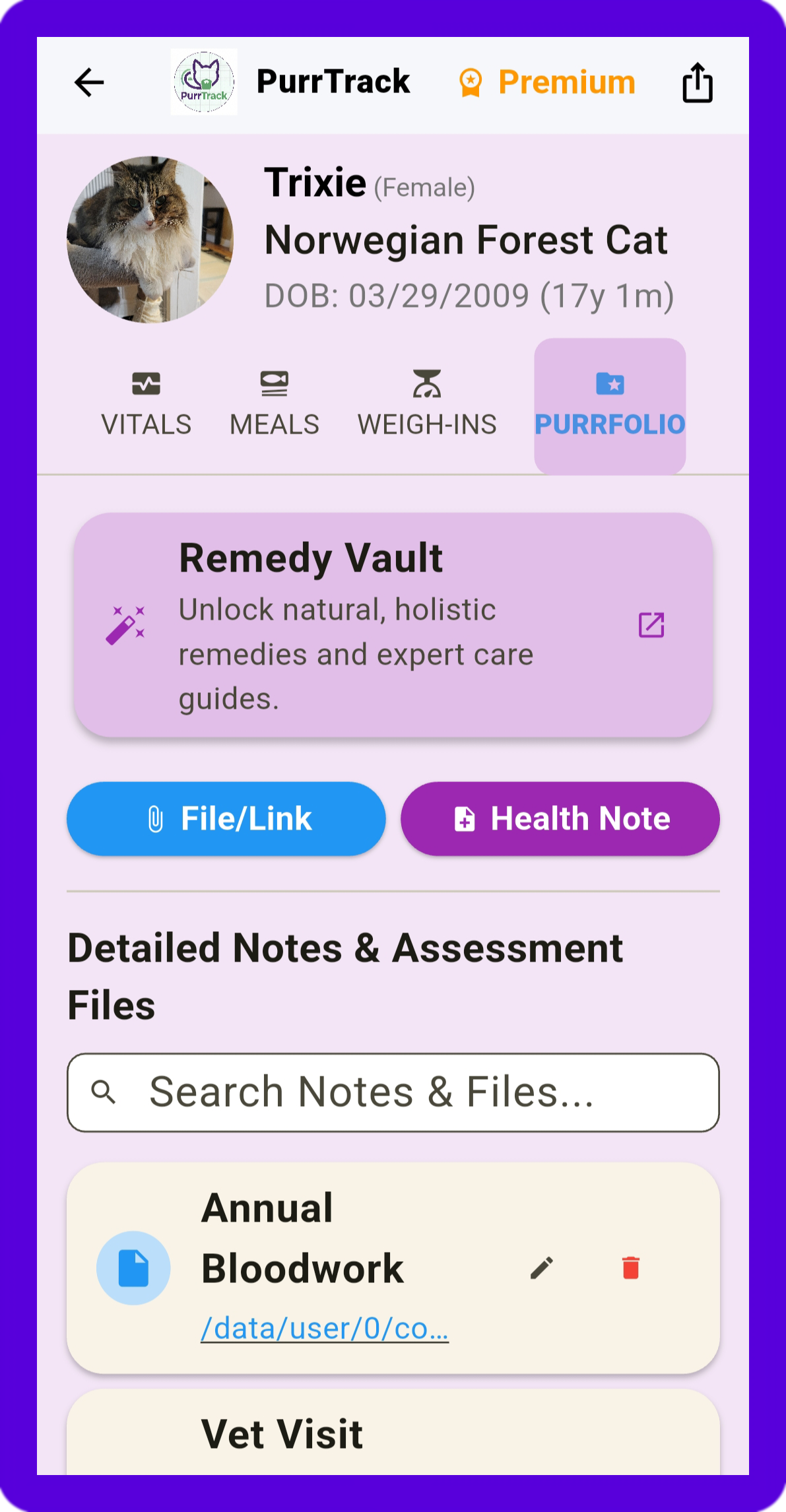
PurrFolio (Purple Screen): Our premium document storage and export center.
Step 2: Establish Your Cat's Unique Baseline
The pet industry and veterinarians often suggest standard feeding limits, but every cat has a completely different base requirement. PurrTrack is designed to help you discover exactly what works for your individual cat. We recommend monitoring their normal routine for 7 to 14 days without changing anything, so you can accurately analyze their baseline before making dietary adjustments.
Logging Weigh-Ins (Green Tab): Log your cat's current weight.
Note: You will need to log at least two separate weigh-ins before the trend line appears on your Vitals graph. (You can easily edit the initial weight you entered during setup if needed!).
Logging Meals (Orange Tab): Select the date and time, enter the total calories listed on the food package, and choose the actual amount fed from the dropdown menu.
Pro Tip – Quick Snacks: Head to your Settings to pre-configure your cats' favorite treats. This allows for instant, one-tap calorie logging during the day without typing!
Use the Notes Section: This is crucial for holistic tracking! Use the notes to add specific details (e.g., "Chicken Pate," "prefers pate over gravy") or record physical reactions (e.g., "seemed to have more energy after this wet food").
The Daily Calorie Bar: Once you set a daily calorie goal and log a meal, a visual progress bar will appear.
Green Bar: Your cat is currently under or has perfectly met their daily calorie goal.
Red Bar: Your cat has exceeded the set daily calorie goal.
Take note of your previously entered weight, which will appear as a blue line in the Vitals tab comparing weight to calorie intake.
Step 3: Become an Independent Cat Owner
The PurrFolio (Purple Tab) is your all-in-one digital medical binder, designed to give you total control over your cat's health narrative and vet records in one secure place.
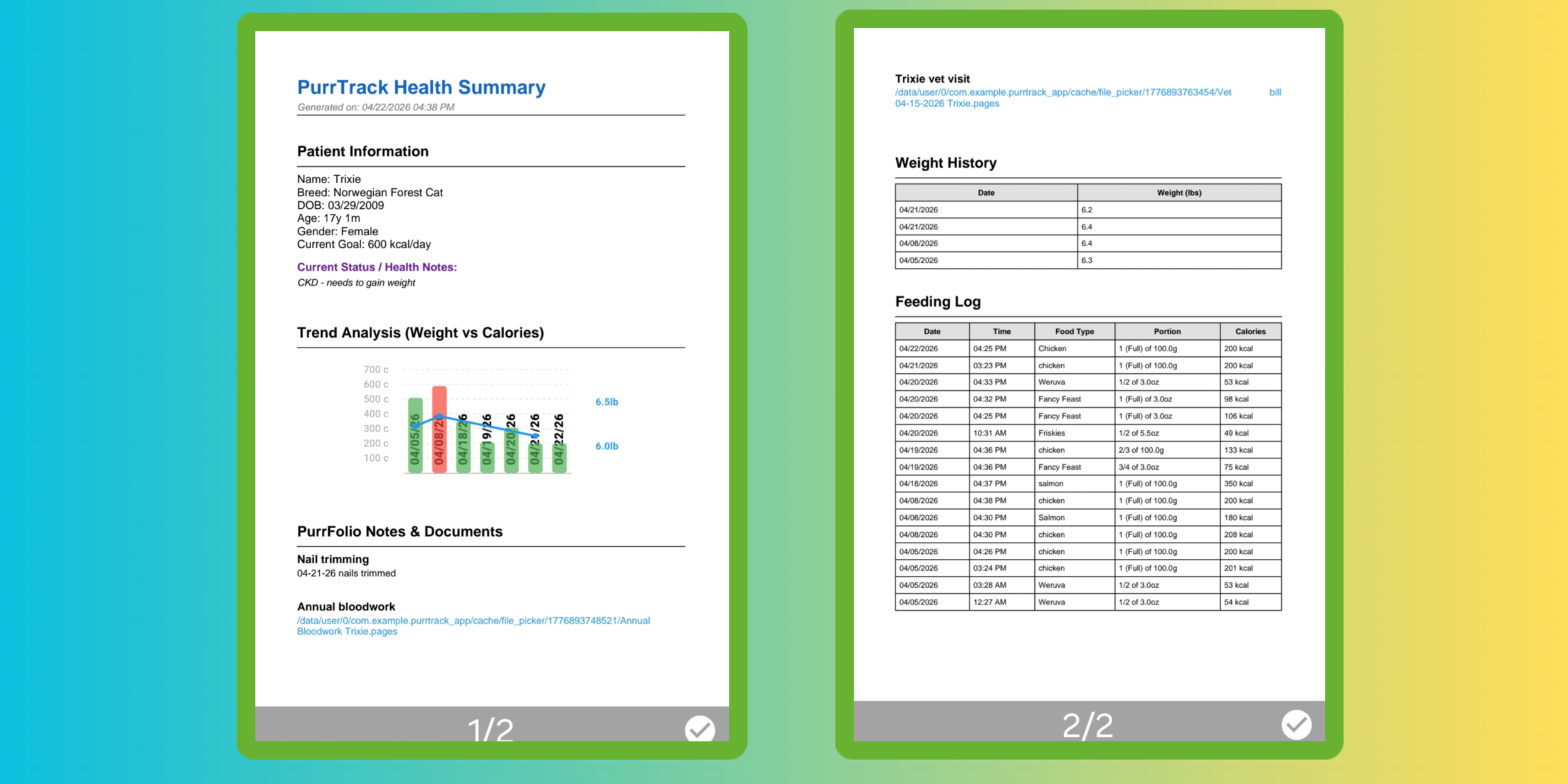
This isn't just for uploading standard vet records. You can attach your own personal notes, holistic findings, daily analysis, and recordings directly to your data. When it is time to visit the vet, you can instantly export a beautiful, easy-to-read PDF or a sortable CSV file of your custom data to print, download, or email directly to your clinic.
Pro Tip – Multi-Cat Management: Managing an entire Kitten Caboodle? Use the "Bulk Meal" or "Bulk Docs" feature directly on the home screen to instantly record shared meals or attach the same document to multiple cats at once, saving you tons of time.
Step 4: Explore the Remedy Vault
If you lean toward natural remedies, supplements, and holistic care, be sure to check out the Remedy Vault.
This feature links directly to our curated resource hub at mypurrtrack.com/remedy-vault. Here, you will find our top suggested natural supplements, brief outlines of their benefits, and convenient links to easily find the products.
(Note: If you wish to track your cat's daily supplement intake, you can seamlessly add those details into the Notes section of your PurrFolio, or keep a separate digital document like a Google Sheet and attach the link to the PurrFolio).
What's Next? For the next week, just focus on logging those daily meals and a couple of weigh-ins to establish that baseline. Once you see your Vitals graph come to life, you will be well on your way to mastering your cat's health!